How do you expose n8n workflows to non‑technical clients (without handing them the n8n UI)?
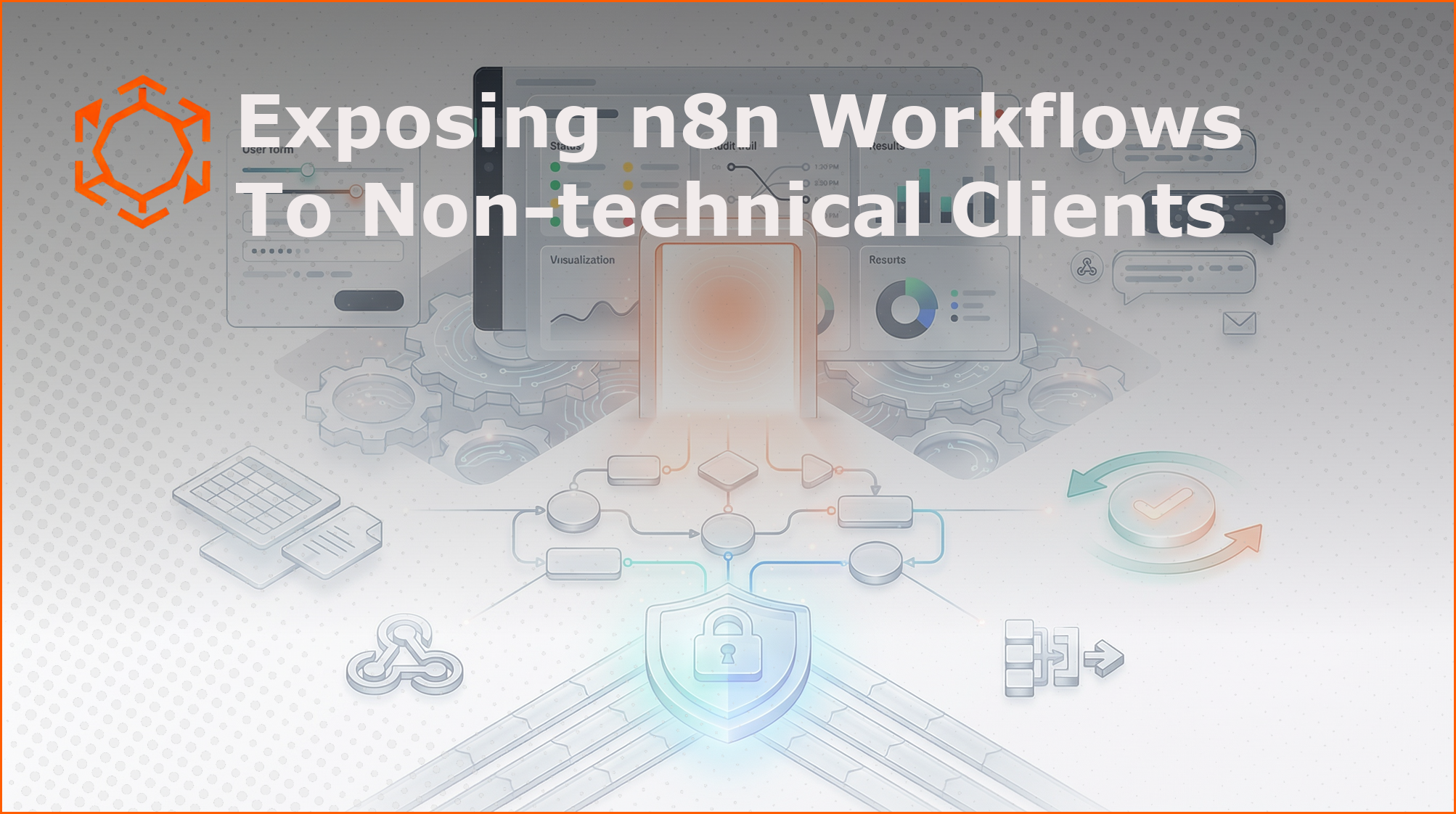
TL;DR: Don’t try to turn n8n into a client portal. Treat n8n as backend automation infrastructure and give clients a safe “front door”: a form, a chat command, an email trigger, or a tiny dashboard. Add human-in-the-loop approvals where it matters, and ship a visibility layer (status + audit trail + ROI) so it doesn’t feel like a spooky black box. If you’re serving multiple clients, decide early: one n8n instance per client (cleanest) or shared instance with strict isolation (harder).
The awkward truth: n8n is an engine, not a product
n8n is fantastic at running workflows. It’s less fantastic at being the thing your client logs into at 9:07am on a Monday to “run the campaign sync” and “approve the invoice email” without breaking anything.
That mismatch creates the classic last-mile gap for agencies and consultants:
- Clients need a simple trigger (“do the thing”).
- They need to provide inputs (a URL, a CSV, a budget number).
- They sometimes must approve steps (before you email 5,000 people, please).
- They want to see outcomes (what ran, what failed, what changed).
And you, as the builder, need security, multi-tenancy, compliance, and an operating model that scales.
The question isn’t “How do I expose n8n to clients?” The question is: What’s the smallest, safest interface that makes the automation feel obvious and trustworthy?
Pattern #1: n8n as an API (webhooks) + a thin UI (the “front door”)
This is the workhorse pattern. Boring. Effective. Scales.
Idea: Put n8n behind webhooks and build (or choose) a UI that calls those endpoints. n8n becomes your automation API.
UI options that tend to behave in the real world:
- Retool (fast internal tools, good auth, tables/forms)
- Bubble / WeWeb (customer-facing portals without heavy engineering)
- Custom frontend (Next.js/React) when you need full control
Benefits:
- Clients never touch n8n.
- You can enforce auth, roles, input validation.
- Add a “job status” page so clients aren’t pinging you constantly.
Things people forget (and regret):
- A status model is needed:
QUEUED → RUNNING → NEEDS_APPROVAL → SUCCEEDED/FAILED. - Idempotency (clients double-click buttons, it happens).
- Rate limits and request signing if webhooks are public.
Practical blueprint:
UI submits request to /start (your gateway endpoint).
Gateway authenticates client, generates a job_id, stores request metadata.
Gateway calls n8n webhook with job_id + sanitized payload.
n8n workflow updates job status via callback webhooks or DB.
UI polls or receives updates via websocket/email.
Pattern #2: Chat as the UI (Slack/Teams/Telegram)
Sometimes the best interface is the one your client already lives in.
Idea: Use Slack (or Teams) commands/messages as the trigger and input surface. n8n listens via webhook, responds with confirmations, links, or next questions.
Why it works:
- Workspace membership provides authentication.
- Client adoption is easy (“just message the bot”).
- Approvals feel natural: “Approve? Yes/No.”
Where it shines:
- “Run this workflow for this customer ID.”
- “Generate a weekly report and post it here.”
- “Ask for approval before sending the email.”
Where it gets messy:
- Complex multi-step forms
- Serious file handling or validation
Tip: Pair chat UI with a client-editable config sheet (Google Sheets/Airtable). Let clients tweak routing rules, prompts, thresholds—without touching n8n.
Pattern #3: Human-in-the-loop approvals
Automation without checkpoints is how you end up apologizing on a call.
For workflows that touch money, customers, or irreversible changes, bake in an approval step:
- Slack/Teams button: Approve / Reject
- Email “magic link” approval: one click, logged
- Tiny approval page: shows payload, diffs, consequences
Design rules for approvals:
- Include context:
- What’s going to happen next
- What data is being used
- What changed since last run
- Who approved it
Audit trails save you during compliance conversations and client disputes.
Pattern #4: Use business surfaces clients already trust
“Unsexy” triggers can be surprisingly effective:
- Email: client sends request; n8n parses, runs work, replies with results
- Notion: client edits database row; n8n watches and processes
- Sheets: client adds a row; automation runs; status columns update
Familiarity beats novelty. Clients adopt faster, support load is lower.
Pattern #5: The visibility layer (stop the “black box” vibe)
Clients want confidence, not buttons.
Minimal visibility layer includes:
- “Last 10 runs” table: status, duration, who triggered, what happened
- Errors view with plain-English messaging
- Value metrics: execution counts, time saved, cost avoided
Legibility reduces support and helps with renewals.
Multi-tenancy & security
Decide architecture before it decides for you.
Option A: One n8n instance per client
Pros:
- Simple isolation
- Easy data access reasoning
- Deleting a client is straightforward
Cons:
- More infrastructure to manage
- Updates/deployment require discipline
Option B: Shared n8n instance
Pros:
- Lower infrastructure overhead
- Centralized management
Cons:
- Credential sprawl & cross-client access risk
- Harder compliance story
- Permissioning is complex
If shared, enforce: per-client credentials, per-client data stores, strict naming, external gateway for all ingress/egress, and thorough logging.
Quick decision matrix
- Rich portal + inputs: thin UI over webhooks (Retool/Bubble/custom)
- Slack/Teams-first client: chat UI
- High-risk actions: human approvals
- Notion/Sheets-first client: use those surfaces
- Stakeholders want proof of value: add usage + outcome dashboard
Giving clients n8n access directly is rarely a good idea—permissions, UX, and support get messy fast.
The Brilliant Workflows angle
At brilliantworkflows.com, we build production-ready n8n automation workflows for developers who want to ship fast. The real value isn’t the workflow graph—it’s the full loop:
- Safe trigger surface (webhook/chat/email)
- Input validation
- Approvals when needed
- Status + audit trail
- Clean handoff and repeatability
Standardized patterns save time, reduce errors, and keep automations client-ready.
Conclusion
You’re not exposing n8n—you’re exposing a capability safely and predictably.
- Pick a front door
- Keep n8n backstage
- Add approvals for risky actions
- Give clients a simple, consistent view into what happened
Do this, and your automation practice becomes infrastructure—not duct tape.