Are You Automating Output Instead of Automating Flow? Here’s How to Fix It With n8n
Are You Automating Output Instead of Automating Flow? Here’s How to Fix It With n8n
You can tell when a team is doing “AI automation” the loud way. The ads get punchier. The outbound emails multiply like rabbits. The chatbot suddenly has a name and a personality. Meanwhile the internal machine—the handoffs, the ownership rules, the “who’s on it?” questions—still runs on spreadsheet fumes and Slack drive-bys. It’s like installing a turbo on a car with bald tires.
TL;DR
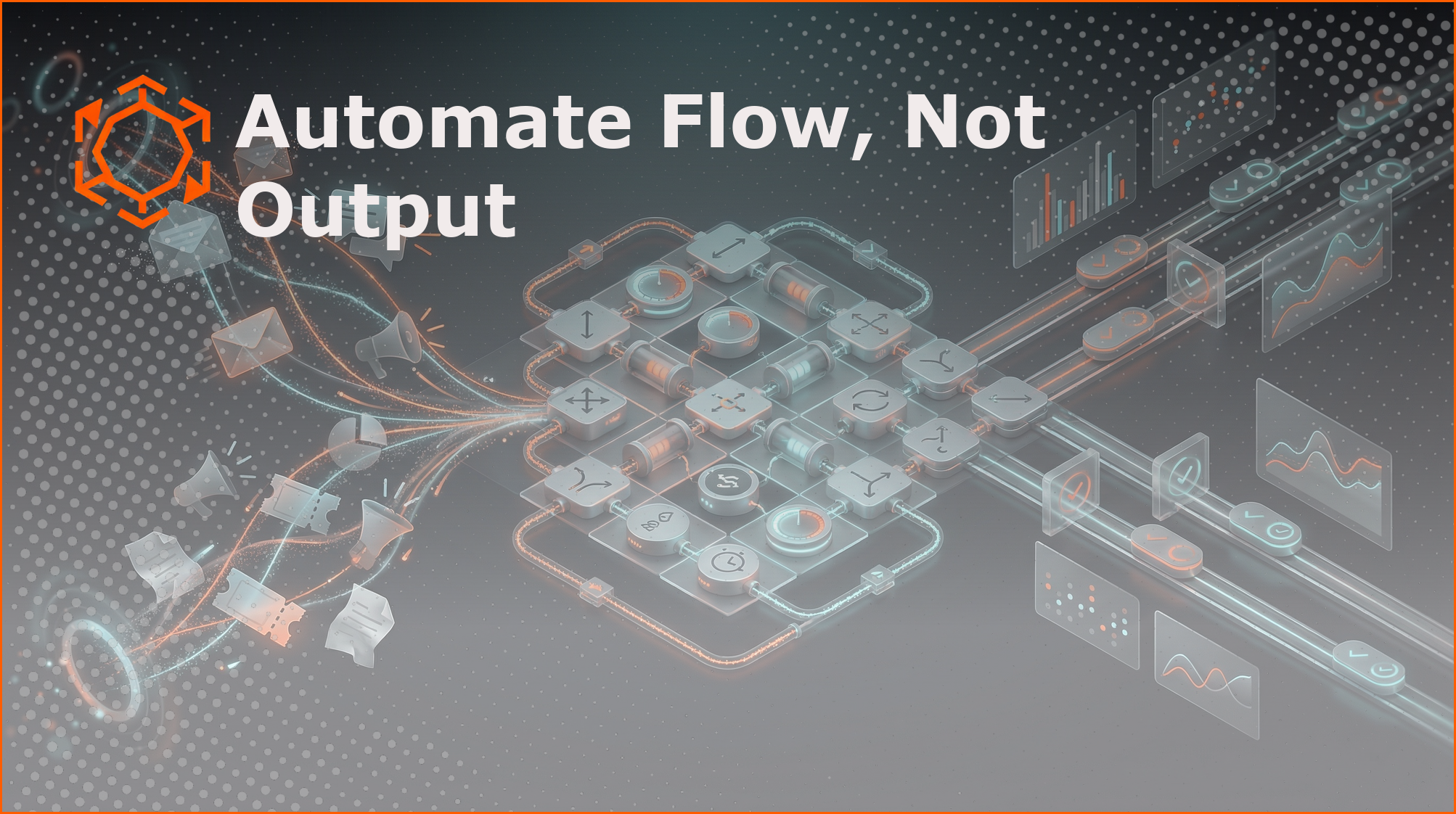
If you add AI to the visible surface of your business (content, email, chat) but don’t automate the internal flow (routing, ownership, SLAs, state changes, reporting), you don’t get “scale.” You get faster chaos. Start with deterministic workflow automation for the boring handoffs, fix your data foundation, and then layer AI only where inference is genuinely needed. Use n8n (or another orchestrator) as the connective tissue: agents can think, workflows execute.
The trap: output automation feels productive (because it’s visible)
Most teams don’t choose “automate output” because they’re naive. They choose it because it ships. You can demo it. A CEO can point at it. “Look, our AI writes follow-ups now.” Nice.
But output is rarely the constraint. The constraint is usually flow: how work enters the system, how it gets assigned, how it transitions, and how anyone knows what’s stuck. If those mechanics are manual, fragmented, and brittle, AI doesn’t fix it. AI just increases the volume hitting the bottleneck.
The failure mode is weirdly consistent: you generate more leads, more tickets, more “conversations”… and then you lose them faster because nobody owns them, nobody sees them, or the handoff happens late. It’s the same mess, just wearing nicer shoes.
What “automating flow” actually means (in plain English)
Flow automation is boring in the best way. It’s the invisible operating system that makes your org feel… oddly calm. Less herding cats. Less “did anyone reply?”
In practice, automating flow means you design and enforce a few core mechanics:
- Intake: where new work enters (forms, inbound emails, webhooks, product events).
- Routing: which queue/person owns it, based on rules you can explain at a whiteboard.
- State transitions: when “New” becomes “Qualified,” “In Progress,” “Blocked,” “Done,” etc.
- SLAs and timers: if no action happens in X hours, escalate or reassign automatically.
- Visibility: the system updates itself (CRM fields, ticket statuses, dashboards), so humans don’t have to narrate reality in Slack.
None of this requires AI. Honestly, that’s the point.
A hard truth: a lot of “AI automation” shouldn’t be AI
I like AI. I use it daily. But if the step is deterministic, make it deterministic. Why? Because deterministic automation is cheaper, faster, testable, and predictable. Your future self will thank you when it’s 2:07 a.m. and something’s misrouting leads to the wrong region (ask me how I know).
Great candidates for non-AI automation:
- “If form field Country = US, assign to US SDR queue.”
- “If opportunity stage changes to Closed Won, create onboarding ticket + Slack channel + kickoff email.”
- “If ticket priority is P1 and it’s untouched for 30 minutes, page someone.”
Save AI for tasks that genuinely need inference or language understanding, like: messy-text extraction, classification when categories aren’t clean, summarization, or decision support when inputs are fuzzy.
No data foundation, no miracles: AI can’t reason over missing truth
Here’s the part people don’t want to hear because it’s unsexy: if your customer/work data is fragmented across tools, your “AI” is mostly guesswork. Models can be smart, but they’re not clairvoyant.
If your CRM has three “Company” records for the same account, your support tool has a different email, and finance uses yet another ID… your agent is going to do what any of us do under uncertainty: improvise. And improvisation is a bad foundation for automation.
So before you ask AI to make decisions (route, prioritize, approve), establish a minimum viable data foundation:
- Choose a system of record for core entities (Account, Contact, Lead, Ticket, Project—whatever runs your business).
- Standardize key fields (owner, lifecycle stage, next action date, SLA clock, region). Be a little strict. It’s fine.
- Make updates flow one way (or be crystal-clear about sync rules) so you don’t create data ping-pong.
- Instrument events: capture the moments that matter (lead created, trial started, invoice overdue, ticket reopened). Events are the fuel of orchestration.
The combo that actually works: agent does thinking, workflow does execution
This is the pattern I keep coming back to because it’s sturdy:
Agents draft/analyze. Workflows publish/route/update.
An AI agent can read messy inbound text and suggest intent, urgency, or next steps. Then a deterministic workflow (say, an n8n flow) takes those structured outputs and does the boring but critical execution: update the CRM, assign an owner, open a ticket, set a due date, notify the right channel, and log the audit trail.
Why split the job? Because execution is where businesses bleed. Execution needs guardrails, retries, idempotency, rate limits, and the ability to answer “what happened?” without a séance.
A practical n8n blueprint: automate lead routing and closed-loop accountability
Let’s get concrete. Suppose you’re drowning in inbound leads from a form, a webinar tool, and a handful of “hey can you talk to my friend?” intros. Output automation would be: AI writes follow-ups. Flow automation is: nobody falls through the cracks.
A sane n8n workflow (not fancy, just sane) looks like this:
1) Intake and normalization
Trigger nodes: webhook for the form, polling for the webinar tool, email trigger for referrals. Immediately normalize fields into your canonical schema: email, company, region, source, timestamp, consent. This is where you prevent the “same lead, three formats” headache.
2) De-dupe and enrich (deterministic first)
Check your CRM for an existing Contact/Lead by email + domain. If found, attach the event to the existing record and move on. If not found, create it. Enrichment (Clearbit-like, internal lookup tables, whatever you use) can be a separate step, but don’t block routing on it unless you must.
3) Routing + ownership assignment
Use simple rules: region, product line, account tier, round-robin, or named account mapping. The trick is to also assign a backup owner and a queue (yes, redundancy). People go on vacation. Laptops die. Stuff happens.
4) SLA timers and escalation
Set a “first response due at” timestamp. Use n8n’s Wait/Delay mechanics (or a scheduled check) to verify the lead changed state before the deadline. If not, escalate: notify a manager channel, reassign, or open a task with a due date. This one step alone can change a team’s conversion rate more than any clever email copy.
5) Closed-loop reporting
Every state change gets logged somewhere durable (CRM timeline, a warehouse table, even a simple Postgres). Then you can answer the annoying but necessary questions: “How long do leads sit unowned?” “Which sources rot?” “Which reps are overloaded?”
Notice what’s missing? The AI follow-up email. You can still do it later. But you’ll do it on top of a system that can actually absorb the extra volume without snapping.
Where AI fits (without making a mess)
Once flow is stable, AI becomes genuinely helpful instead of decorative. A few high-leverage inserts:
- Intent classification from freeform text (“pricing,” “support,” “security review,” “angry customer”).
- Entity extraction (plan name, contract date, competitor mentioned) and mapping into structured fields.
- Drafting summaries for humans (account handoff notes, ticket recap) while the workflow updates records and assigns owners.
- Decision support with guardrails (“recommend priority”), not unilateral action (“close the ticket”).
The vibe you’re going for is: AI suggests, automation enforces. It’s a good arrangement.
Orchestration is the quiet hero (and why n8n shines here)
When you connect tools ad hoc, you get a plate of spaghetti: brittle zaps, mystery webhooks, “who owns this integration?” energy. An orchestration layer flips that. You get one place to define triggers, branching rules, retries, and observability.
n8n is particularly friendly for this because it sits in a sweet spot: visual enough to move fast, programmable enough to not hate yourself later. You can run it self-hosted, store credentials safely, and build flows that behave like real software (versioned, testable-ish, and understandable by the next person).
And yeah, I’ll say the quiet part out loud: most teams don’t need “an agentic swarm.” They need 12 solid workflows that don’t flake out on Tuesdays.
A quick gut-check: are you scaling work, or scaling confusion?
Ask these in your next ops review (it might get awkward, but in a good way):
- Can we trace a lead/ticket from creation to completion without asking a human for context?
- Do ownership and next steps live in a system of record, or in someone’s head?
- If we doubled inbound volume tomorrow, would we still hit SLAs—or just miss them twice as fast?
- Are we using AI where it’s actually necessary, or because it demos well?
If you answered “uhhh” to two or more, congrats: you found your real automation roadmap.
What to do this week (not “someday”): the smallest flow fix that matters
Pick one internal handoff. Just one. Lead to SDR. Ticket to on-call. Deal won to onboarding. Then automate these three things end-to-end:
- Ownership assignment
- SLA timer + escalation
- Status visibility (a field that actually gets updated)
That’s it. Do that, and you’ll feel it immediately. The organization exhales a little.
If you want to skip the tedious setup—OAuth credential wrangling, weird edge cases, all the glue code that’s nobody’s “real job”—that’s basically what we build at Brilliant Workflows: production-ready n8n automation workflows you can import, deploy, and then tweak for your reality. Not magic. Just less yak-shaving.
Now, go automate the flow. The output can wait.